

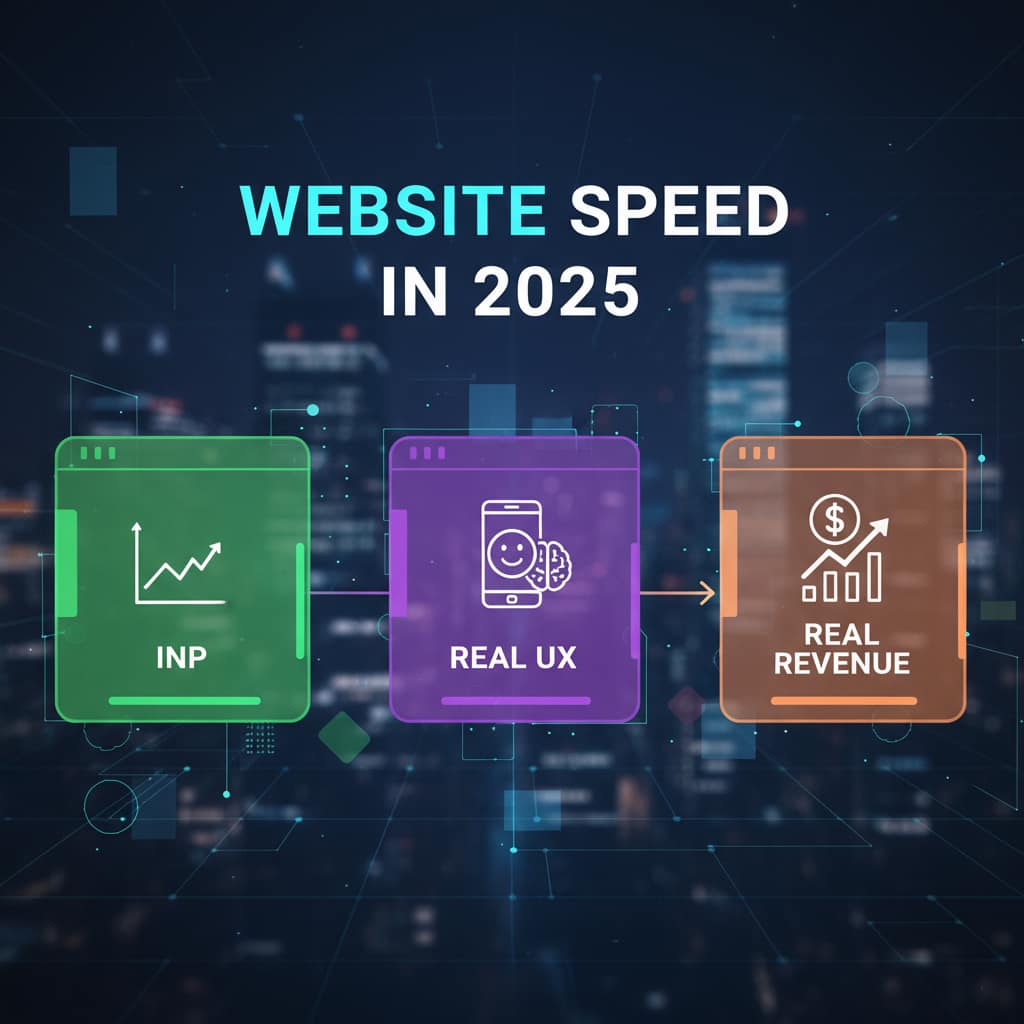
If your site looks fast but still feels sluggish when people tap a menu, open a filter, or add to cart, your issue isn’t page load, it’s interaction. In 2025, the speed metric that actually tracks this is INP (Interaction to Next Paint). If INP is high, your users feel “stuck,” bounce faster, and buy less. If INP is low, your site feels snappy, and conversion rates follow.
Why INP matters to revenue (not just SEO)
- Fewer rage clicks: Fast responses reduce frustration and drop-offs during PDP → cart → checkout.
- Better mobile experience: The majority of paid traffic is mobile; interaction speed drives ROAS and CPA.
- Trust signal: Smooth sites feel modern and reliable. Slow UI tells customers, “this store might be risky.”
- Compounding effects: Faster interaction = more browsed products, more adds to cart, more revenue.
The 7 most common INP killers (and what to do about them)
1. App/Plugin Bloat
Problem: Too many scripts hook into clicks (reviews, personalization, analytics, popups).
Fix:
- Remove or replace heavy apps; keep only one script per function (one reviews, one analytics, one A/B).
- Load non-critical scripts after interaction (defer) or on scroll (lazy-init).
- On Shopify/WooCommerce, audit apps monthly; disable where features overlap.
2) Main-Thread Blockers
Problem: Long JavaScript tasks freeze the UI after user input.
Fix:
- Split big tasks; use web workers for heavy logic.
- Defer analytics, heatmaps, and tag managers until after first interaction when possible.
- Code-split routes; only ship the JS needed for the current view.
3) Heavy Images & Carousels
Problem: Megabyte hero sliders and autoplay carousels hijack the main thread.
Fix:
- Serve next-gen images (AVIF/WebP), compress, and lazy-load offscreen media.
- Replace auto-sliders with a single, conversion focused hero.
- Preload your first hero image only; delay the rest.
4) Font Jank & Icon Packs
Problem: Multiple font files + icon libraries introduce layout shifts and blocking.
Fix:
Use a single text font and a reduced-weight file; preload it.
- Replace icon libraries with SVG sprites or inline SVGs.
- Prefer system fonts for body copy where brand allows.
5) Third-Party Widgets
Problem: Chat, personalization, A/B platforms add listeners and latency.
Fix:
Load chat on scroll or after 5–7 seconds idle.
Use server-side testing when possible; otherwise, ensure client tests don’t block input.
Strictly sandbox third-party code; remove anything unused.
6) DOM Overload
Problem: Huge DOM trees and hidden elements slow event handling.
Fix:
Remove off-canvas content from the DOM; render on demand.
Use virtualized lists for long menus/product grids.
Keep components small and focused; avoid deeply nested wrappers.
7) Inefficient Event Handlers
Problem: Clicks trigger expensive sync operations (filters, calculations).
Fix:
- Debounce inputs; batch state updates.
- Use requestIdleCallback for low-priority work.
- Cache results and memoize expensive functions.


Your 48-Hour INP Tune-Up (practical checklist)
Day 1 – Audit
Record a user path (PDP → add to cart → checkout) and mark slow interactions.
Use your browser’s Performance profiler to find long tasks (>50ms).
List all third-party scripts; tag as critical vs delayable.
Export app/plugin list; mark candidates to remove or replace.
Day 2 – Ship Fixes
Defer or remove at least 2 non-critical scripts.
Compress & convert top 10 images (hero, PDP gallery).
Preload the main font and the first hero image.
Code-split the largest route; lazy-load below-the-fold components.
Re-test INP; document before/after with a simple table.
Target: Reduce INP on your top 5 pages by 30–50% within 48 hours.
What “good” looks like (simple benchmarks)
- Home / Landing pages: 100–180ms
- Collections / Category: 120–200ms (filters often need work)
- PDP: 120–180ms (gallery and add-to-cart should feel instant)
- Cart/Checkout: < 150ms (every millisecond matters here)
If you’re consistently above 300ms, you’re bleeding revenue, especially on mobile.
Case snippet (composite example)
Brand: US DTC cosmetics
Problem: Mobile PDP taps felt stuck; cart slide-in lagged.
Fixes: Replaced review widget, lazy-initialized chat, compressed 18 PDP images, code-split gallery, debounced variant changes.
Result (60 days): INP improved 320ms → 150ms; +14% checkout start, +9% orders, same ad spend.
FAQs
It’s a Google Core Web Vital, but the real benefit is human—your pages will feel faster, and that boosts revenue.
Your browser Performance panel, Real-User Monitoring (RUM) if you have it, and field data (e.g., CrUX/analytics). Don’t rely on single synthetic runs.
You can still remove bloat, compress images, delay non-critical scripts, and optimize the main user path. Platform constraints aren’t a blocker for the biggest wins.
Want help? Get a 48-Hour INP Tune-Up
We’ll audit your top 5 pages, ship the highest-impact fixes, and send a before/after report with a 30-day watch. If we don’t move the needle, you don’t pay.
→ Book a 15-minute Speed Check
→ Or request the free 7-point INP checklist